
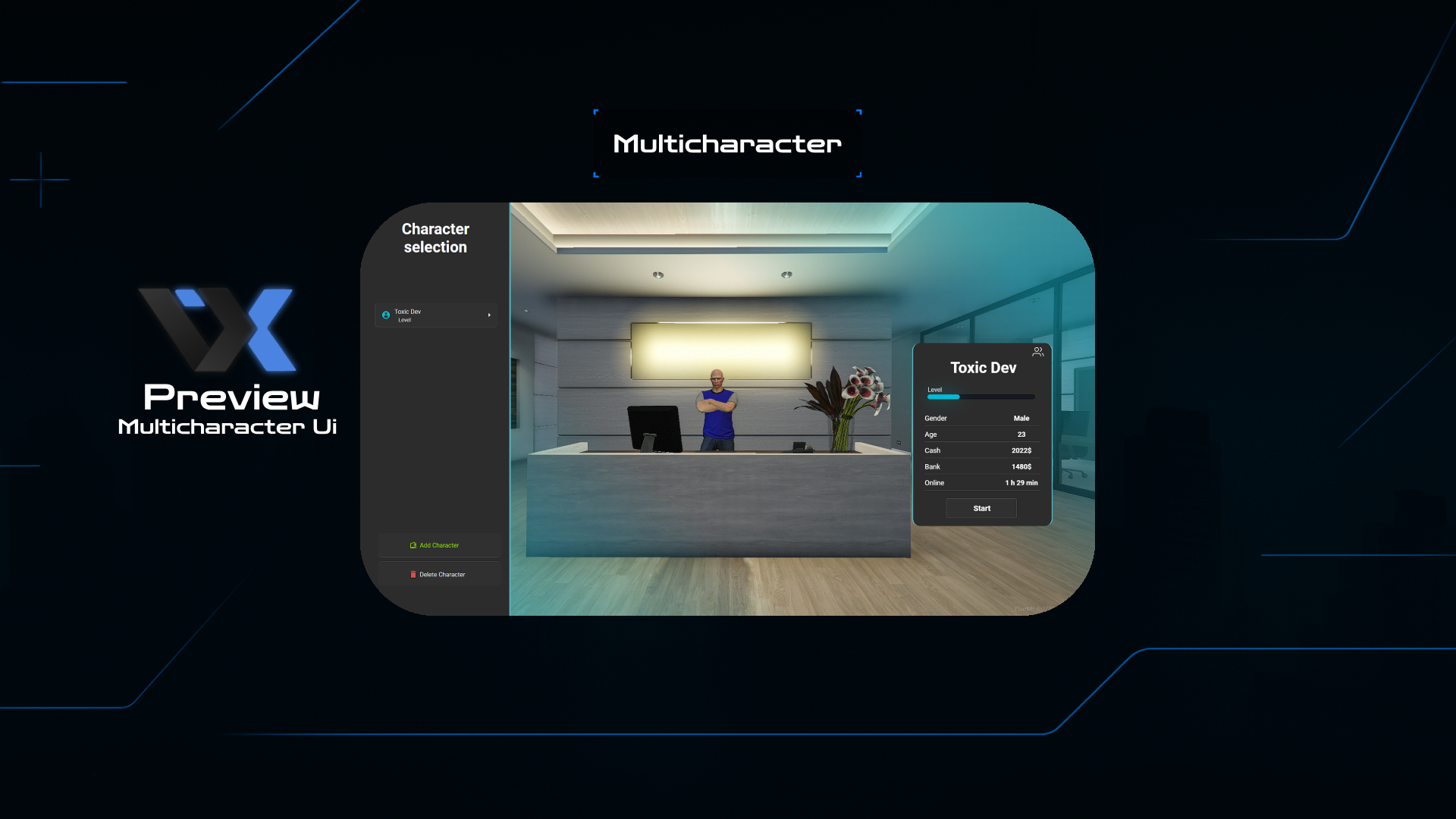
Advanced Features
Stable & Reliable
Zero known issues with comprehensive error handling and crash prevention systems.
Easy Configuration
Simple setup process with detailed documentation and intuitive config files.
Clean Interface
Modern, responsive UI design that works seamlessly across all devices and screen sizes.
Flexible Limits
Customizable character limits per player with admin override capabilities.
High Performance
Optimized code with minimal resource usage and fast loading times.
Secure Storage
Advanced data protection with encrypted character storage and backup systems.
Installation Guide
Download the Resource
Download the latest version from our Discord server or GitHub repository.
Extract to Resources
Extract the files to your server's resources folder: /resources/[qb]/multicharacter/
Configure Settings
Edit the config.lua file to customize character limits and UI preferences.
Start the Resource
Add "ensure multicharacter" to your server.cfg file and restart your server.
Test & Enjoy
Log into your server and test the multicharacter system. Everything should work perfectly!
Statistics & Performance
Update History
• Improved performance and stability
• Added multi-language support
• Fixed minor compatibility issues
• New character selection interface
• Enhanced security features
• Better error handling and logging
✨ Premium Features
- 〡Non Problems Founded
- 〡Easy to config and control
- 〡Clean and simple UI
- 〡The number of characters available to players can be modified for each player
Multicharacter + Ui
Please Read The Readme File To Avoid The Problems And Cmd Crashes