
Advanced Features
Stable & Reliable
Zero known issues with comprehensive error handling and bug-free inventory management.
Easy Configuration
Complete control over inventory settings with intuitive configuration files and admin tools.
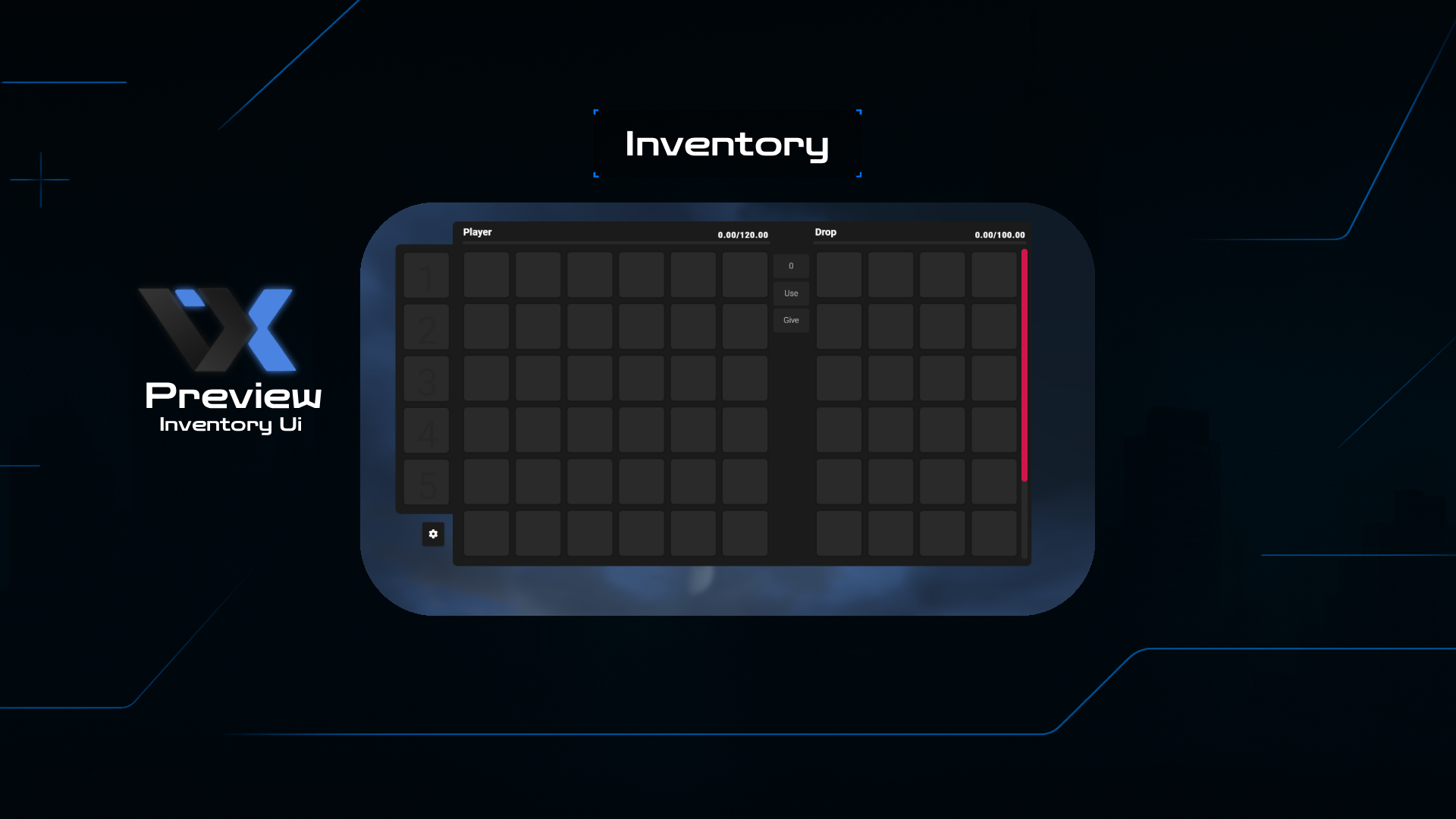
Modern UI Design
Brand new interface design with responsive layout and smooth animations for enhanced user experience.
Immersive Sound
Realistic sound effects when opening inventory, adding immersion to your roleplay experience.
High Performance
Optimized code with minimal resource usage and fast item processing for smooth gameplay.
Advanced Item System
Complete item management with drag & drop, stacking, splitting, and custom item categories.
Installation Guide
Download the Resource
Download the latest qb-inventory version from our Discord server or GitHub repository.
Extract to Resources
Extract the files to your server's resources folder: /resources/[qb]/qb-inventory/
Configure Settings
Edit the config.lua file to customize inventory slots, item limits, and UI preferences.
Import Database
Import the included SQL file to your database for proper item storage and management.
Start & Test
Add "ensure qb-inventory" to your server.cfg file, restart server, and enjoy the new inventory system!
Statistics & Performance
Technical Specifications
Update History
• Added immersive sound effects for inventory actions
• Enhanced drag & drop functionality
• Improved item stacking and splitting system
• New item categories and organization system
• Enhanced security and anti-duplication measures
• Better compatibility with other QB scripts
✨ Premium Features
- 〡Non Problems Founded
- 〡A New UI Design
- 〡When Opening It A Sound Appears
- 〡Drag & Drop System
- 〡Item Stacking & Splitting
- 〡Customizable Slots & Weight
- 〡Anti-Duplication Security
Inventory System + Modern UI
Advanced inventory system with modern design and immersive sound effects. Please read the README file to avoid any configuration issues.